Engagement
How to Change Polls
Last updated 10.15.23
Note: creating, changing and editing polls is only available on the web version of Lockerverse currently.
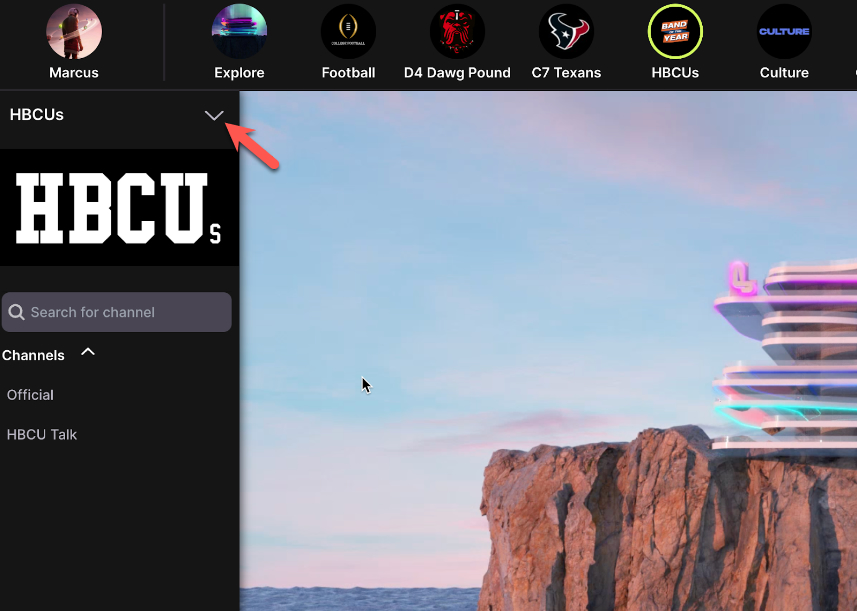
Once you are a moderator of a given community click the upside down triangle.
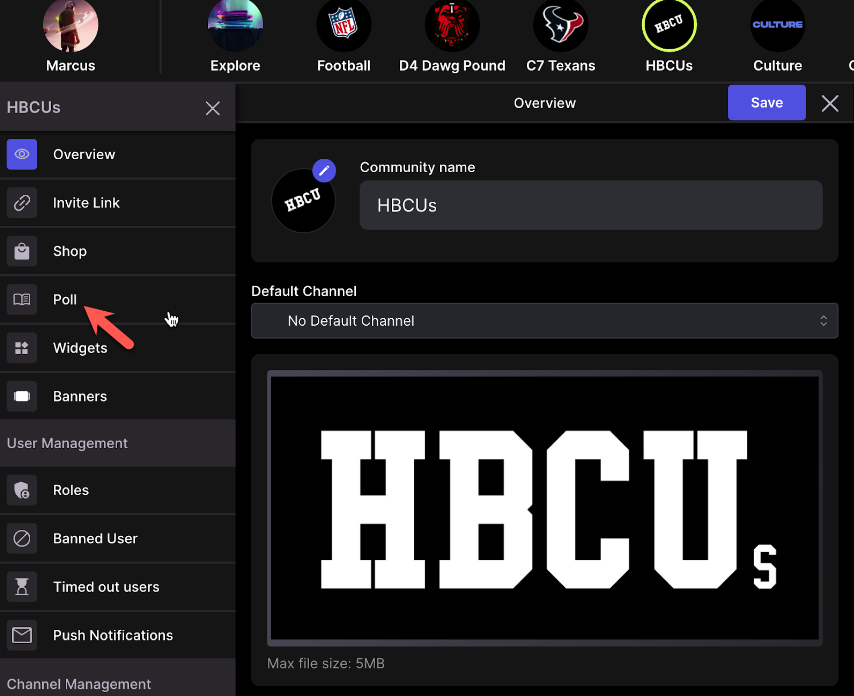
Then click Polls
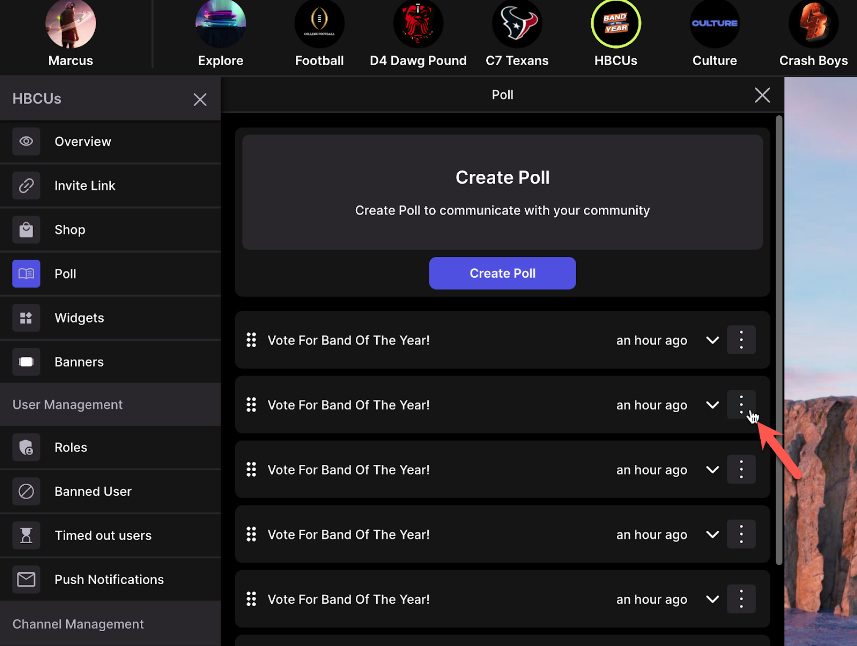
Then click the three dots on the poll
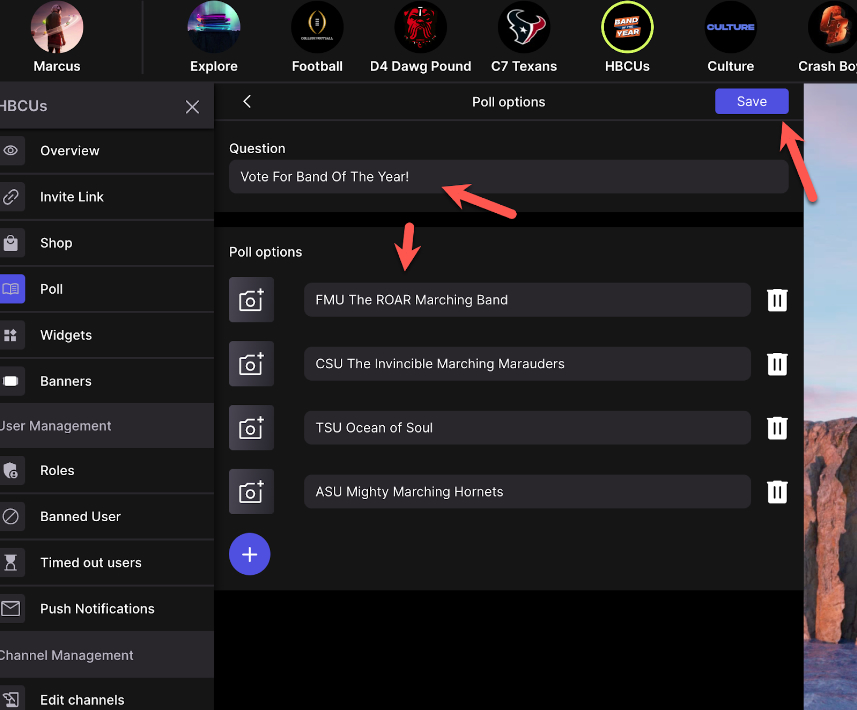
Edit anything you want in the poll then click save